

When the pager goes off at 2 AM, your heart rate spikes. Production is down, customers are affected, and all eyes are on you. This scenario is every engineer’s nightmare, but it’s also the ultimate test of technical skill and composure. In technical interviews, hiring managers love asking about production incidents because they reveal how you think under pressure, collaborate with teams, and systematically solve complex problems. Today, I’ll walk you through a real production outage I handled, breaking down my diagnostic approach, the surprising root cause, and the lessons learned that transformed our team’s processes.
The Midnight Alert: When the Database Stopped Responding
It started with a flurry of alerts. Our monitoring system fired multiple warnings: API response times had skyrocketed from 200ms to over 15 seconds, error rates climbed to 40%, and our customer dashboard showed widespread service degradation. The initial symptoms pointed to database issues—slow queries piling up, connection timeouts, and replication lag between primary and secondary nodes. Our e-commerce platform was effectively crawling, with checkout processes timing out and customers unable to complete purchases.
Initial Symptoms
- API response times: 200ms → 15s+
- Error rate: 2% → 40%
- Database connections: Maxed out at 500/500
- CPU utilization: Sustained at 95%
Business Impact
- Checkout process failing
- Customer support tickets spiking
- Revenue loss: ~$5,000/hour
- Brand reputation at risk
The Diagnostic Process: Following the Evidence Trail
Rather than jumping to conclusions, I followed a structured diagnostic approach. First, I checked our application logs for recent deployments—nothing significant in the past 48 hours. Next, I examined database metrics and noticed an unusual pattern: a specific read query was appearing thousands of times per minute, each execution taking 2-3 seconds. Using PostgreSQL’s pg_stat_statements, I identified the problematic query—a recently optimized report that should have been efficient.
“The key to effective troubleshooting isn’t genius—it’s process. Eliminate variables, follow the data, and validate each hypothesis before moving to the next.”
— Senior SRE, Platform Engineering Team
The ‘Aha!’ Moment: Discovering the Root Cause
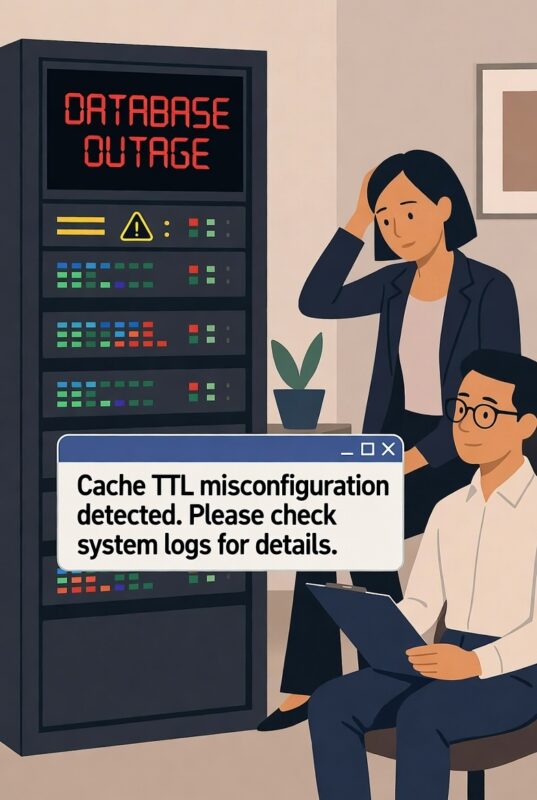
The breakthrough came when I correlated the query execution patterns with our caching layer metrics. The query in question was supposed to be served from Redis, but our metrics showed a 90% cache miss rate. Digging deeper, I discovered that a routine cache key expiration policy change deployed the previous day had inadvertently set the TTL (Time To Live) for this dataset from 24 hours to just 60 seconds. Every minute, thousands of users were triggering fresh database queries instead of hitting cache, overwhelming our database with redundant work.
Before the Change
- Cache hit rate: 98%
- Database load: 30%
- Query frequency: 10/min
After the Change
- Cache hit rate: 10%
- Database load: 95%
- Query frequency: 5,000+/min
Root Cause
- TTL misconfiguration: 24h → 60s
- Missing validation in deployment
- No gradual rollout
The Resolution: A Two-Pronged Recovery Strategy
With the root cause identified, we executed a two-phase recovery. First, we implemented an immediate hotfix by manually updating the cache TTL configuration through our configuration management system, restoring the 24-hour expiration. Within minutes, cache hit rates improved, database load dropped to 40%, and error rates normalized. Second, we deployed a permanent fix by adding validation rules to our deployment pipeline that would flag extreme TTL changes and require additional approval.
The entire incident—from initial alert to full recovery—took 47 minutes. More importantly, we turned this crisis into a learning opportunity that strengthened our systems and processes.
Lessons Learned and Process Improvements
This incident taught us valuable lessons about system resilience and deployment safety. We implemented several key changes: (1) Added automated validation for configuration changes affecting performance-critical paths, (2) Established gradual rollout procedures for all configuration updates, and (3) Created dedicated dashboards for cache effectiveness metrics. Most importantly, we documented the entire incident in a detailed post-mortem that became a training resource for the entire engineering organization.
- Always validate configuration changes – Especially for performance-critical parameters
- Monitor cache effectiveness ratios – Not just uptime
- Correlation is powerful – Connect metrics across systems
- Document everything – Post-mortems prevent repeat incidents
Conclusion: Turning Crises into Career Growth Opportunities
Production incidents, while stressful, are unparalleled learning opportunities. This database overload scenario demonstrates how systematic troubleshooting, cross-system correlation, and calm decision-making can transform a crisis into a valuable career story. When interviewers ask about production issues, they’re not just testing your technical knowledge—they’re evaluating your problem-solving methodology, communication skills, and ability to learn from mistakes. The next time you face an outage, remember: document your process, collaborate effectively, and focus on both immediate resolution and long-term prevention. These experiences don’t just fix systems—they build better engineers.
